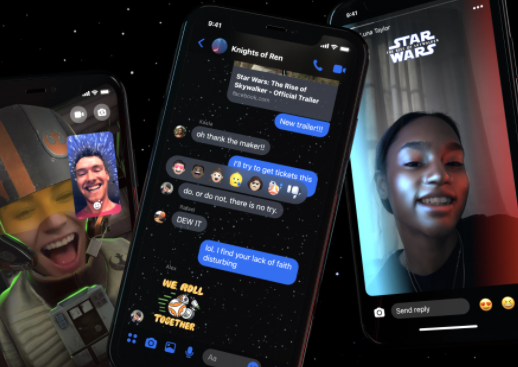
Facebook Messenger New Themes – Facebook recently announced a new set of customized and sponsored chat page themes for the Facebook messenger. Chatting on Facebook Messenger just got way more colorful.
Facebook instant messaging service is already top of the line at what it does. There are but a few instant messaging apps that are above Facebook Messenger. From time to time, Facebook has always added stickers collections and new themes to its messaging app but there is something different about this one.
In May, there were reports that Facebook was adding new themes and stickers. These stickers include the Star Wars pack and there were also reports that Facebook will be rolling out stickers for Asian and Pacific islanders month aimed at raising awareness about the community.
This month, Facebook has added more new themes which include; a Messenger theme for the Fast and Furious 9, themes from Olivia Rodrigo’s “Sour” album, and a World Oceans Day theme. This would definitely pave the way for more sponsored themes on Facebook Messenger.
How to Check Out the New Themes
Update your Facebook messenger app and open it. Tap on a conversation and navigate to the settings tab.
Select “Theme” then start browsing till you come across a theme you like.
Do You Know
How to Restore Deleted Instagram Posts – Recover Deleted Posts